

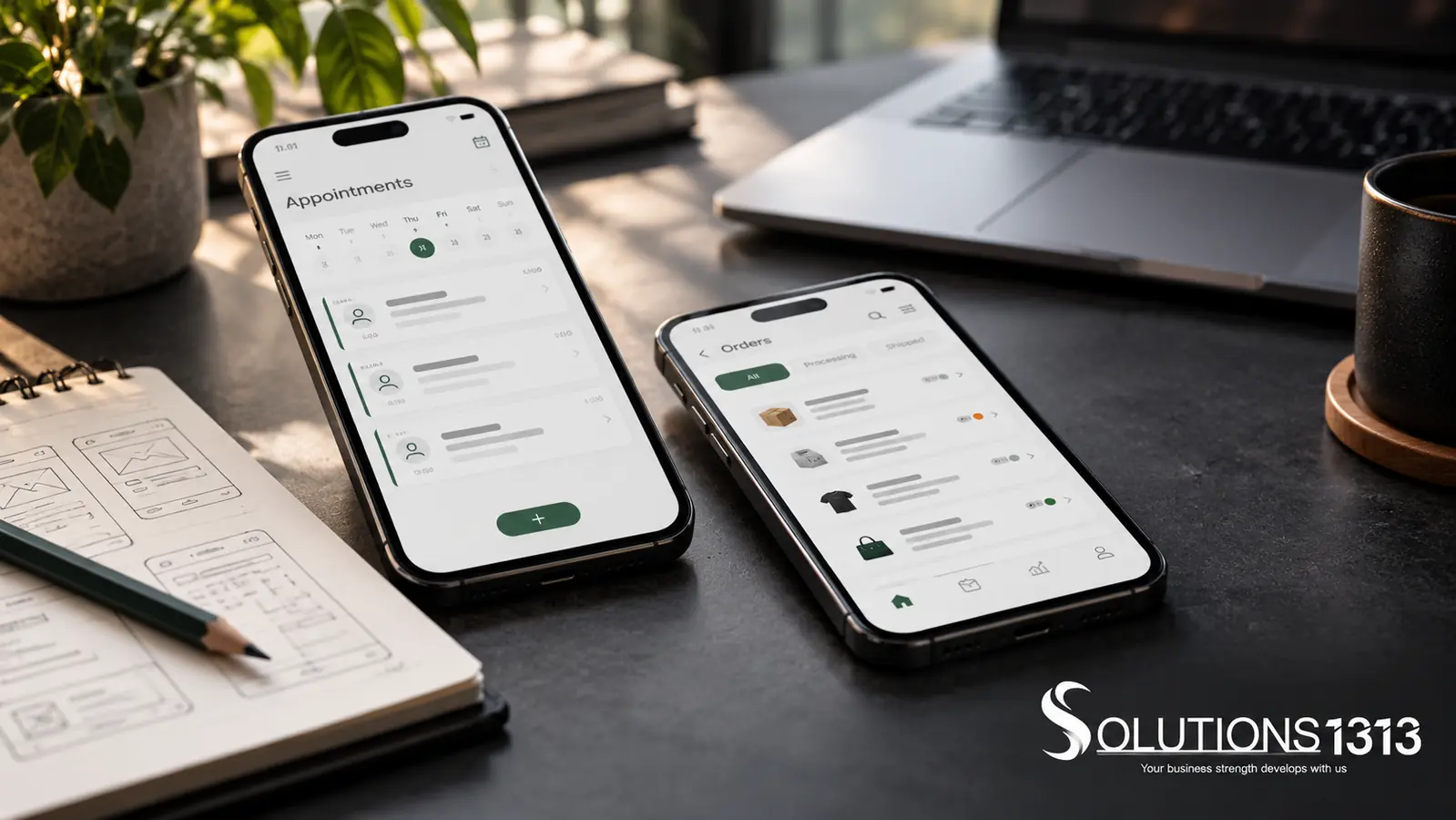
A mobile app launch checklist should cover requirements, design, development, testing, store submission and ongoing support. Each stage needs an owner and evidence that it is ready. Uploading a build is only one step in releasing a usable service.
Plan around the customer’s complete journey and the staff work that supports it. An app may open correctly while bookings fail to reach the team or account recovery does not work. Those operational gaps belong in the launch review.
Start with a signed-off first-release scope
Define users, roles, essential journeys and the information each role can access. Separate launch requirements from later ideas. Record important rules, such as cancellation handling or approval responsibilities, in language the business team can review.
Agree how each requirement will be tested. If the app must work with an unreliable connection, specify which actions remain available and how data is reconciled when connectivity returns. “Offline support” is too broad without those details.
Review a prototype before building every screen
Walk through the main journey with representative users or business owners. Check labels, missing information, confusing decisions and recovery paths. Include empty states and error states rather than reviewing only successful examples.
Keep a decision log. When the team changes a rule, record the reason and the affected screens or integrations. This helps prevent the design, code and test plan from describing different products.
Mobile app launch checklist by stage
| Stage | Evidence to review |
|---|---|
| Requirements | Approved journeys, roles, rules, exclusions and acceptance tests. |
| Design | Reviewed prototype covering normal, empty and error states. |
| Development | Working integrations, access controls and a controlled test environment. |
| Testing | Recorded results, resolved critical defects and accepted limitations. |
| Submission | Accurate listing, privacy information, review access and account ownership. |
| Operations | Monitoring, support contacts, backup checks and a release recovery plan. |
Test the business journey and the failure cases
Test sign-up, login, account recovery and permission boundaries. Then test each important transaction from the user’s action through to the staff record. Include interruptions, retries and duplicate submissions where they are relevant.
Use representative supported devices. Check text size, keyboards, orientation changes and accessibility. Record the tested version so that the result can be tied to the build under review.
Business acceptance and technical security review are separate checks. A user can confirm that a booking process makes sense without proving that its access controls are secure. Assign the right reviewer to each area.
Prepare the store submission as a workstream
Decide who owns the developer accounts and who can submit releases. Prepare accurate descriptions, screenshots and privacy information based on the app’s actual behaviour. Supply review access where required, without exposing real customer records.
Review the current Apple App Review Guidelines and the relevant Google Play testing guidance. Requirements depend on the product and account. Submission support cannot guarantee approval or a fixed review date.
Make support ready before public release
Assign an incident contact and a person who can authorise urgent changes. Confirm monitoring, logs, backup recovery and how a faulty release would be limited or replaced. Avoid collecting unnecessary personal information in diagnostic logs.
After launch, review actual failures and support requests. Keep dependency updates and platform changes in the maintenance plan. The mobile app cost guide explains why these running responsibilities belong in the budget.
Common questions
Is a successful demo enough to launch?
No. A demo usually covers a limited path. Review failure handling, access, integrations and operational support before release.
Who should approve the launch?
Identify the business owner and technical release owner in advance. Their approval should refer to recorded checks and any accepted limitations.
Can every requested feature go into the first release?
Only if the team can complete and test the whole scope. Separate later improvements from the essential service journey.
Discuss the release plan alongside the build
Bring your first-release journeys and operational responsibilities to Solutions1313’s app development service. Ask for a plan covering acceptance, submission and support as well as development.
