

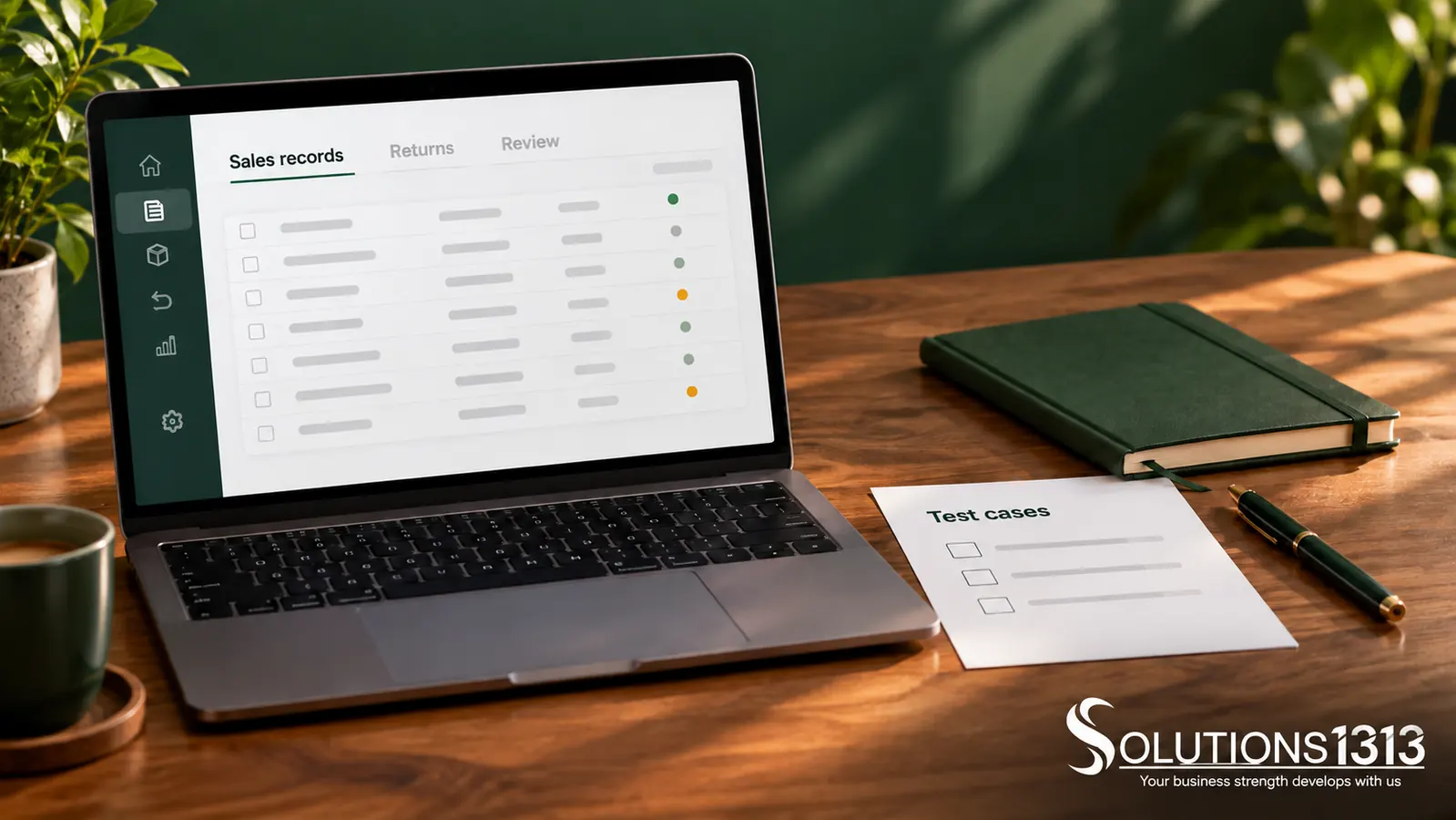
An MLM admin dashboard should show the health of product sales, customer service, calculation runs and payment reconciliation. Give staff clear exception queues and access appropriate to their role. Large member counts and attractive charts cannot replace an explanation of outstanding work or financial records.
Start with the decisions each team makes daily. Support needs unresolved cases, finance needs reconcilable entries and operations needs fulfilment exceptions. A single crowded screen rarely serves all three well.
Design around operational roles
List the tasks each role can perform and the records it needs. Separate viewing a total from exporting personal information or approving an adjustment. Apply the same boundaries to downloads and integrations.
Give supervisors an overview with a route to the relevant detail. Avoid exposing every seller’s private records simply because they appear in a relationship structure. Access should follow an approved business need.
MLM admin dashboard sections that matter
| Section | Useful operational view |
|---|---|
| Orders | Paid, pending, cancelled and fulfilment exceptions using defined statuses. |
| Returns and support | Open requests, ownership, age and next action. |
| Calculations | Run status, policy version, exceptions and review outcome. |
| Payments | Approved, pending, failed and reconciled entries. |
| Data quality | Duplicate candidates, missing references and unresolved import errors. |
| Administration | Material changes, approvals and access-review tasks. |
Define every number shown
State the reporting period, timezone, currency and included statuses. “Sales” could mean orders placed, payments received or fulfilled orders. Choose the definition needed for the decision and make it visible.
Separate gross amounts, returns and adjustments. Do not mix calculated commission, approved liability and completed payment into one balance. Staff should be able to reconcile each total with its underlying records.
Make exception queues actionable
An exception should identify the problem, affected record, responsible team and next step. Include enough context for a reviewer to decide what to do. Avoid an error counter that cannot be opened or explained.
For example, a fictional payment import might contain an unknown reference. The queue should preserve that reference, show the import source and prevent an operator from guessing which seller should receive the entry.
Control changes with financial consequences
Changes to calculation rules, relationship records and payment destinations deserve explicit permissions and suitable approval. Record who requested and approved the change, when it took effect and which records it affected.
The OWASP authorisation guidance provides a reference for permission enforcement. Hiding an admin button is not enough if an unauthorised request can still reach the underlying action.
Test the dashboard with staff tasks
Ask users to find a delayed order, explain a disputed calculation and resolve a failed import using fictional records. Observe whether they can reach the evidence without exporting unrelated data.
Test empty states, slow responses and restricted roles as well as populated screens. A dashboard should say when data is unavailable or stale. Showing an old total without context can lead to a wrong operational decision.
Review the interface after launch using actual support questions and unresolved queues. Add a widget only when it helps someone make a decision or complete a task.
Common questions
Should every administrator have full access?
No. Define roles according to responsibilities and review access when those responsibilities change.
Is a live chart more useful than an export?
They serve different purposes. A chart supports monitoring; a structured export may be needed for reconciliation or review.
Can dashboards establish legal compliance?
No. They can support operational controls and evidence, but the business model and conduct require separate assessment.
Specify tasks before dashboard widgets
Bring your role list, report definitions and recurring exceptions to Solutions1313’s direct-selling software team. Request a dashboard built around traceable work and clear responsibilities.
Define product-sales requirements first, then use the commission-testing checklist to verify the figures and exceptions shown in the dashboard.
