

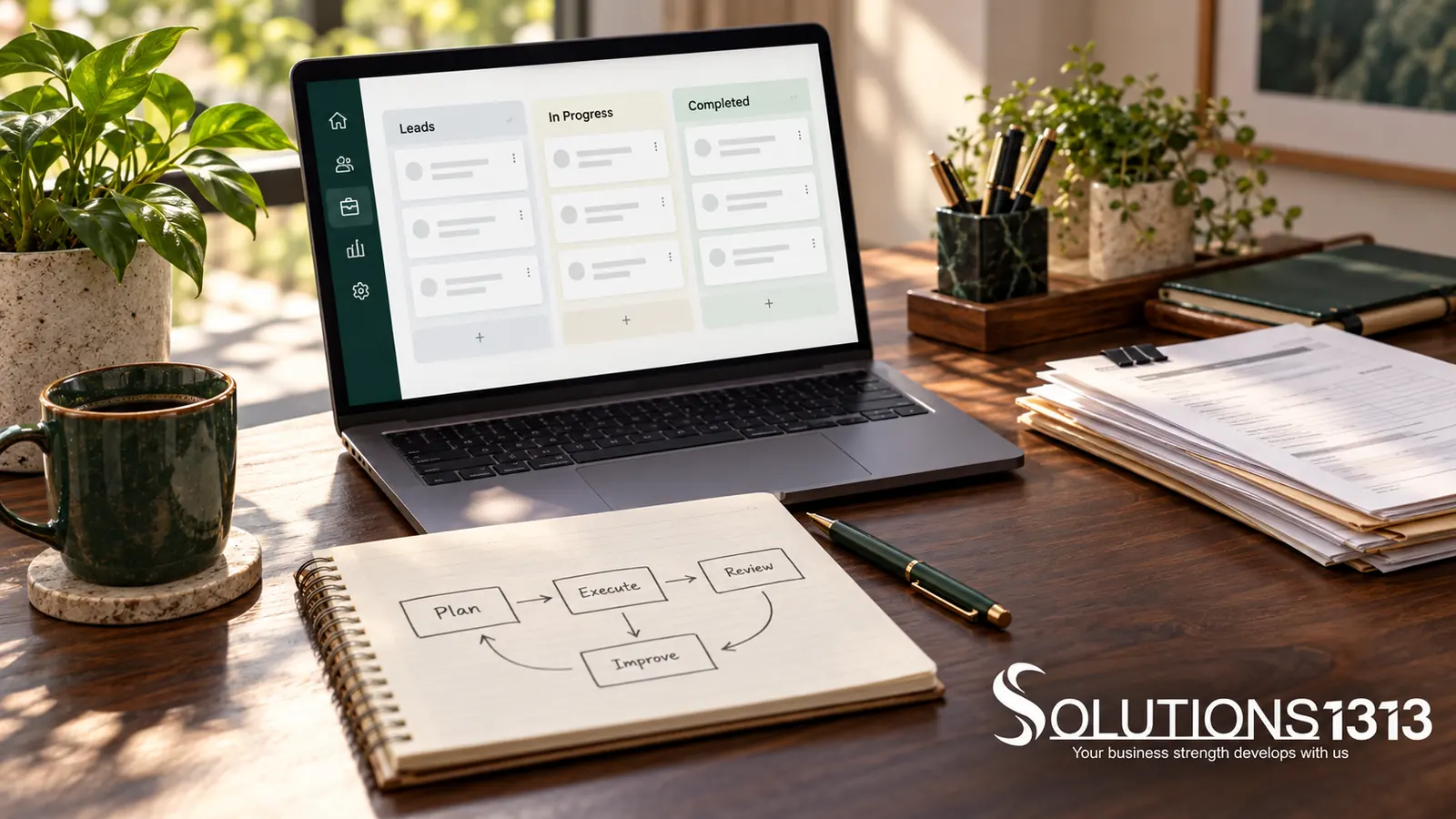
Custom CRM vs ready-made CRM should be decided by workflow fit, ownership, implementation effort and ongoing support. A ready-made system may cover the essential process with configuration. A custom CRM may be justified when important business rules cannot be handled reliably within those limits.
Start with the work your team must complete, not a long feature catalogue. Map how an enquiry becomes a qualified opportunity, how responsibility changes and what information the team needs at each step.
Document the process before comparing products
List the records you need, such as contacts, companies, enquiries, quotations and projects. Define the relationship between them. One customer can have several enquiries or projects, so a single flat contact list may not describe the process correctly.
Also record exceptions. A lead may return after being closed, move between teams or contain duplicate information. Ask how the proposed CRM handles those situations without losing history.
Custom CRM vs ready-made CRM: a fit-gap review
| Area | Ready-made CRM | Custom CRM |
|---|---|---|
| Workflow | Check available stages, custom fields and automation limits. | Specify the rules, exceptions and approval paths to be built. |
| Integrations | Verify connectors, API limits and plan restrictions. | Budget for development, monitoring and changes to external APIs. |
| Maintenance | Review vendor updates, support and configuration responsibility. | Assign a team for hosting, security, updates and defect handling. |
| Data exit | Test export coverage and usable formats. | Require documented data structures, exports and access handover. |
| Cost | Include licences, configuration, migration and add-ons. | Include discovery, build, testing, hosting and ongoing support. |
Use the same demonstration scenario
Give each supplier a small, fictional set of records and the same tasks. Ask them to create an enquiry, assign it, record a follow-up, issue a quotation and export the history. Include one duplicate and one record that requires restricted access.
Observe where the system needs a workaround. A workaround may be acceptable for an occasional task, but risky when it affects every sale or depends on one person’s memory. Record the operational consequence of each gap.
Review permissions and accountability
Decide which roles can view, edit, export or delete records. A manager’s access may differ from a salesperson’s access. Check that these boundaries apply to exports and integrations as well as visible screens.
The OWASP authorisation guidance is a useful security reference for enforcing access decisions. A demonstration of hidden menu buttons alone does not prove that the underlying data is protected.
Test migration and adoption before committing
Review a sample of your existing data. Agree how duplicates, missing fields and inconsistent statuses will be handled. Keep a mapping between the old and new records and preserve information needed for legitimate business history.
Plan staff training around real tasks. A CRM that technically supports the process can still fail operationally if the team does not understand the required fields or follow-up responsibilities.
Choose the smallest reliable solution
If a ready-made system covers the essential process well, configuration may be enough. If key requirements need fragile workarounds, compare a custom solution or a limited custom integration. Avoid rebuilding ordinary functions without a clear business reason.
Ask for a total ownership comparison over an agreed planning period. Include migration, training, maintenance and exit costs. The cheapest first invoice is not necessarily the least expensive system to operate.
Common questions
Does custom CRM mean no recurring cost?
No. Hosting, maintenance, integrations, support and future changes still need resources.
Can we start with a ready-made CRM and migrate later?
Yes, but review export access and data structure before starting. A usable exit plan reduces future migration difficulty.
Should every internal process go into the CRM?
Only when it belongs in the customer workflow. Some finance, inventory or delivery processes may be better handled through a defined integration.
Bring your workflow to the comparison
Share your lead stages, permissions and reporting needs with Solutions1313’s business software and CRM service. Ask for a fit-gap assessment before choosing a build or a product.
