

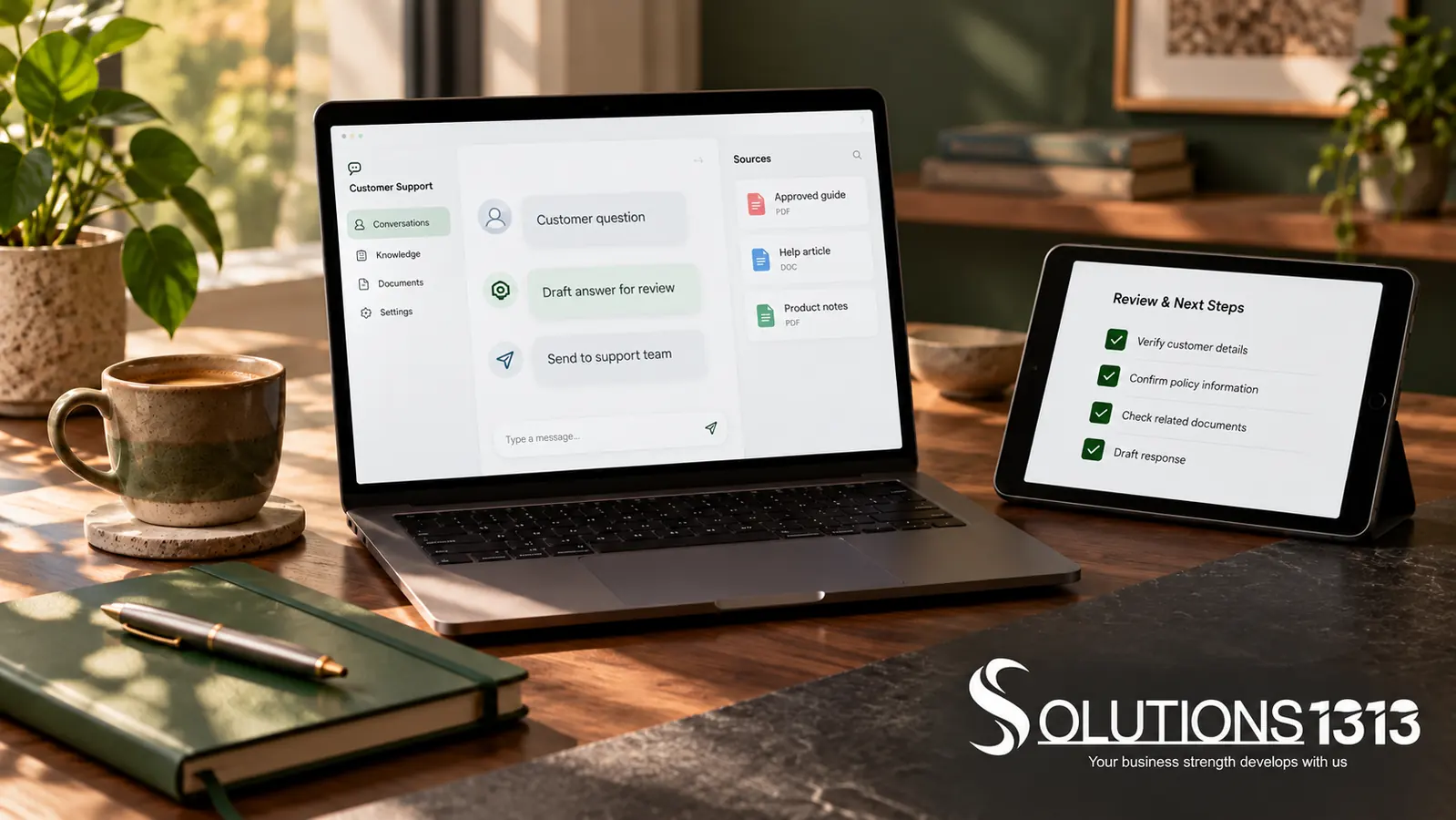
An AI integration checklist should cover where the information comes from, who can access it, and how AI results are checked. It should also cover how the feature is tested and how it will be maintained. Before launching, test what happens when the information is missing, a user does not have permission, or a connected service stops working. Showing that the AI feature works in demonstration is not enough to prove that it is ready for real use.
This checklist is for teams preparing an AI feature for launch. They should assign a responsible person to each task and clearly record if it has passed, failed, or is still untested. Never mark a task as complete without checking it.
Confirm the task and release boundary
Clearly specify who can use the AI feature, what information they can provide, what results they’ll receive, and what actions the feature is allowed to perform. You should also list what the feature cannot do and how it should respond to requests outside its limits.
Keep the actions the AI feature is allowed to perform separate from everything the AI model is technically capable of doing. Before you test the feature, confirm which version of the application, AI settings, prompts, and data sources are being used. This is important because test results from an older version may not accurately show how the new release will work.
AI integration checklist for release review
| Area | Evidence before release |
|---|---|
| Data | Confirm which information sources are approved, who can access them, and who is responsible for keeping the data updated. |
| Permissions | Test that users can only view or change the records they are allowed to access. |
| Answer quality | Check examples of normal, unclear and unsupported questions to make sure the AI gives suitable and correct responses. |
| Actions | Make sure important actions are checked and approved before completion, and keep a record of what was done and who approved it. |
| Failures | Test what happens when the system is slow, reaches its usage limit, or stops working. Make sure users have a clear backup option. |
| Operations | Set up regular monitoring, spending limits, assign someone to handle problems, and decide how to turn off the AI feature if something goes wrong. |
Test behaviour, not just fluent answers
Test the AI with different types of questions, including those with missing information, or conflicting answers from different sources. Check if it asks for more details when required. Also check if it clearly explains when it cannot find a reliable answer. You must check whether the sources mentioned in its answers actually support the information provided.
Test if users with different access permissions can only see their own authorised information. Include old or deleted documents and file types that the system does not support. Make sure that AI handles these situations properly without showing information that users are not allowed to see.
Whenever possible, use sample data instead of real customer information for testing. You should only use actual customer data when there is a valid reason and proper approval.
Check how untrusted content is handled
A document, message, or website may contain instructions that go against the task that AI is supposed to perform. The application should treat such content as information to review, not as permission to access extra data or perform actions that are not allowed.
OWASP’s prompt-injection guidance explains how instructions hidden in external content can affect AI responses. Include examples of misleading or harmful instructions in your tests. Make sure the application has proper security rules so the AI cannot access restricted information or perform unauthorised actions, even if external content tells it to do so.
Validate outputs and control actions
Before you use AI-generated information, check that it follows the required format and contains valid information. Do not automatically accept a customer ID, payment amount, or destination just because the AI has suggested it.
If some action needs approval, show the reviewer exactly what will happen before proceeding. Keep a record of who approved the action and what happened afterwards. Also, test what happens when the same request is submitted more than once. The system should avoid creating duplicate records or repeating the same action because of a retry.
Plan maintenance before the first release
Discuss with the team who will be responsible for updating source information, changing models, editing prompts, and fixing failed requests. Keep a small collection of important test examples and run them again whenever major changes are made. Record why each change was approved.
Check both system performance and the quality of its responses. A system may respond quickly and without errors but it can still provide incorrect or unhelpful answers. Review user corrections, escalated issues, and unfinished tasks, along with response time and usage.
You should also decide when the feature should be temporarily stopped and who has the permission to restart it. Keep a manual working process ready so the staff can continue their work while the problem is being investigated.
Frequently asked questions
Does an AI security checklist guarantee safety?
No. An AI security checklist helps organise security checks and keep records of what has been reviewed. However, it cannot guarantee that the system is completely safe. Regular testing, monitoring, and security reviews are still required, especially when the system’s data, settings, or behaviour change.
Should we retest after changing the model?
Yes. Whenever the AI model or its settings change, run the relevant tests again. Check that the answers remain accurate, permissions still work correctly, and the system handles errors properly.
Who should approve release?
The responsible business and technical teams should review the test results before approving the release. each team should check the areas they are responsible for. It can be any known issues or limitations that still require attention.
Request evidence with the implementation
use this checklist when discussing an AI feature with Solutions1313’s AI application development service. Before the feature is released, agree on what testing records will be provided, who will handle future maintenance and what backup process will be available if something goes wrong.
For the planning stage, read the guide on adding AI to existing software. You can also review CRM automation and data quality to understand why accurate records are important for reliable AI features.
