

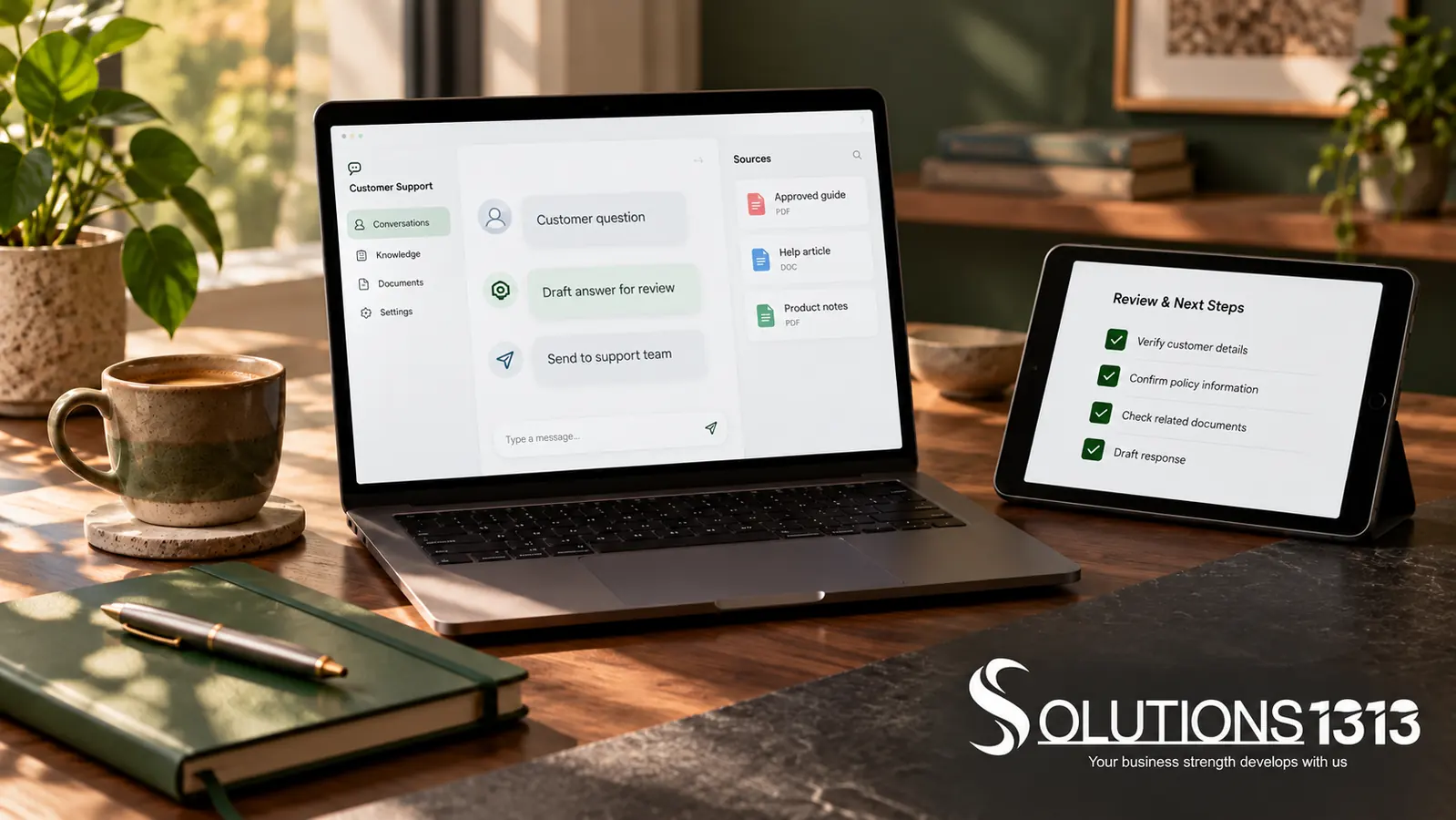
Adding AI to existing software involves more than connecting an AI model. First, decide where the data comes from, which information users are allowed to access, how AI-generated results will be checked and what happens if the AI service stops working.
When calculating the cost, consider the complete business task, including human review, development, and ongoing support, rather than looking only at the cost of sending requests to an AI model. So, start with a small integration that is easy to understand and manage. For instance, an AI tool that prepares internal drafts is different from a customer-facing AI assistant that can make changes to business records. In both cases, existing user permissions and business rules must remain in place.
Draw the integration boundary
List the existing screens, databases, and external services involved in the task. Decide what information the AI needs to complete its work and what information should remain private or outside its access. Also, clearly define the format in which the AI should return results so the existing application can use them correctly.
Keep the AI suggestions separate from actions that change application data. For instance, if AI suggests updating a customer record, the application should check the user’s permissions and validate the information before making the change. Don’t let the AI model decide on its own who is allowed to access or modify a record. Existing application rules and security checks must still apply.
Prepare the data used by AI in existing software
Before using AI with your existing software, check who owns each document, whether it is up to date, and who is allowed to access it. Remove old, incorrect, or conflicting information from the approved data sources. Also, keep track of where the information comes from so you can identify which source was used to generate an answer.
For information related to individual customer accounts, check the user’s access permissions every time the system retrieves data. Don’t collect information from multiple customers and expect the AI model to keep everything separate on its own. Test the AI integration with users who have different access permissions to make sure each person can only see the information they are authorised to access.
| Data Question | Implementation Decision |
|---|---|
| Where is the main and correct information stored? | Decide which sources to use and who is responsible for keeping them updated. |
| Who is allowed to see the information? | Check user permissions before sharing any information with the AI model. |
| What information is shared outside the application? | Check which service receives the data, what information is shared, how long it is stored and what the service agreement says. |
| What information can be recorded? | Keep records that help identify and fix problems without storing unnecessary personal or private information. |
| How is outdated information removed? | Set clear rules for updating, deleting, and checking information to make sure it stays accurate. |
Build a usable human review step
Show reviewers the AI-generated result along with the information they need to check whether it is correct. Where necessary, also provide the original source and explain what action the AI is suggesting. Reviewers should have clear options to correct the result, reject it, or send it for further review.
Simply asking someone to approve every AI result is not enough. The review process should help people understand what they are approving rather than encouraging them to accept everything without checking. Test the review process using both normal cases and difficult examples. Also, clearly assign responsibility for handling cases that remain unresolved.
Calculate cost per completed task
When estimating the cost of an AI feature, consider more than just the charges for using an AI model. Include the cost of model requests, data retrieval, document processing, application development, and ongoing support. Also, consider the time staff spend reviewing AI results and the cost of unsuccessful attempts. These expenses are part of the overall cost of completing a task.
Set clear limits on document size, repeated requests, and the number of users who can use the feature at the same time. Discuss with the team what should happen when a limit is reached. Instead of leaving users waiting without an explanation, show a clear message that the service is temporarily limited and tell them what they can do next.
Preserve an ordinary way to finish the work
Discuss with the team what should happen if the AI features take too long to respond, give an incorrect answer, or stop working because of a service problem. The staff should still be able to complete their work manually, retry the failed step or use the normal search option. Make sure these backup options are easy to find and test them before launch.
OWASP’s guidance on excessive agency explains why AI tools should have limited access and permissions. Instead of giving an AI tool control over the entire application, connect only the functions it actually requires. This makes the integration easier to manage, monitor, and review.
Release to a limited audience first
Before making the feature available to everyone, test it with a small group of users. Use examples prepared in advance to check if it gives the expected results.
Keep a record of which outputs were accepted, corrected, or rejected. Also, note any technical problems or failures. Remember, just because someone clicks on an AI feature does not mean it has completed the task successfully.
Always review the results before allowing more people to use the feature or giving it additional access. also, keep track of changes made to prompts, data sources, and model settings. This will help your team understand what changed and repeat tests when required.
Frequently asked questions
Do we need to rebuild the existing application?
Not always. You may be able to connect new features to your existing application without rebuilding everything. This depends on whether the current system supports the required APIs, access permissions, and data connections.
Can a prompt replace application access controls?
No. A prompt cannot control who is allowed to access information or perform actions. Set access permissions in the application and connected systems. Don’t rely only on prompt instructions to protect data or restrict user access.
What should the first release include?
You should start with one useful feature that solves a real business problem. Test it with a relevant example to check if it works correctly. Give it limited access, keep a person available to review the results, and provide a backup option if the feature fails.
Scope the integration around existing work
Before you start the integration, discuss your current software, where your data comes from, and how your team checks information with Solutions1313’s AI development service. Ask the team for a clear plan that explains what needs to be connected, the expected running costs, and what happens if something goes wrong.
Before adding more features, read the questions to consider before adding AI features and the comparison of AI and rule-based support chatbots. These resources can help you understand which features are useful for your business and if AI is the right choice.
