

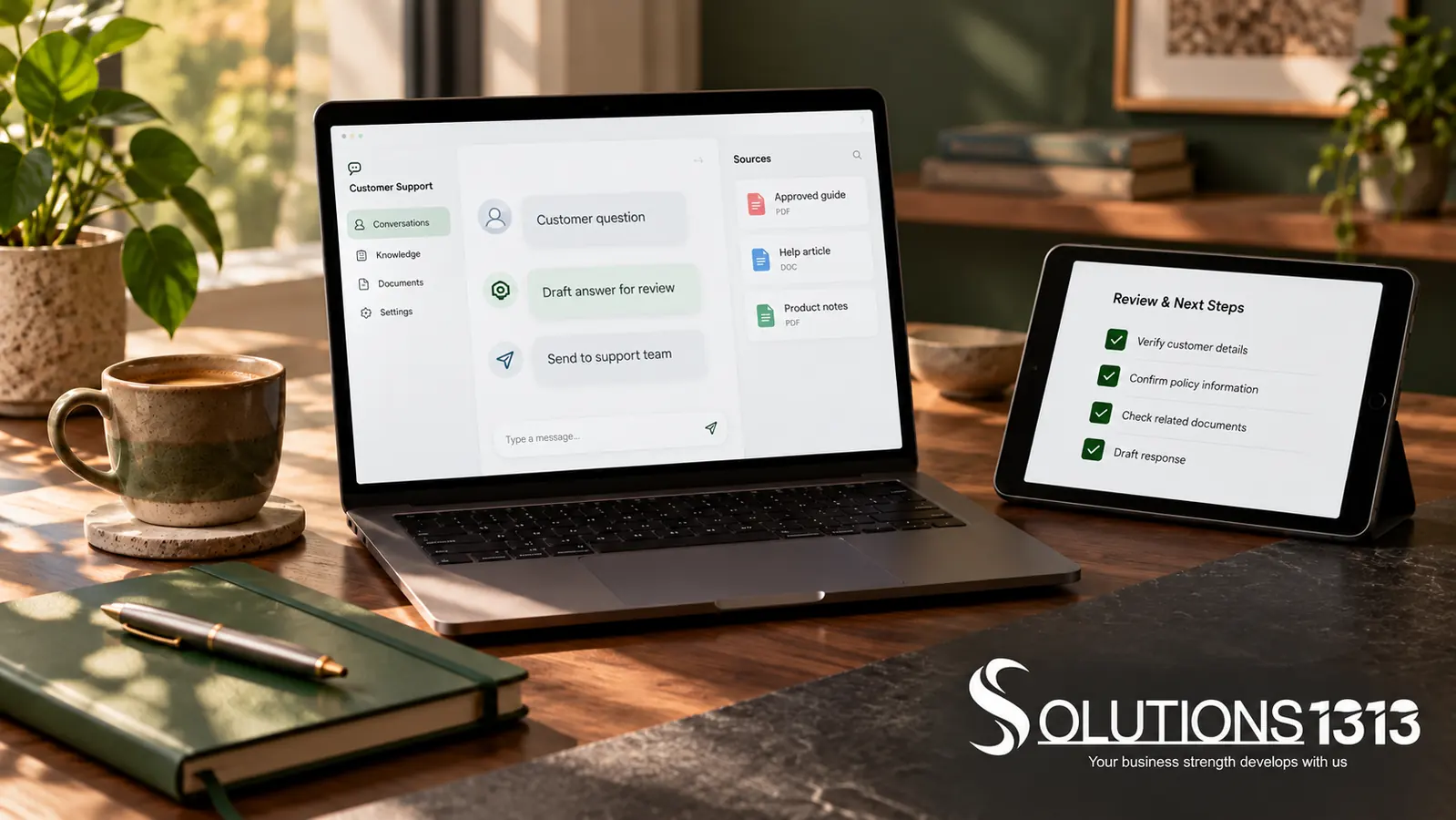
If you’re comparing an AI chatbot with a rule-based chatbot, start by looking at the questions your customers usually ask. Rule-based chatbots work well for simple choices and fixed answers. AI chatbots can understand different types of questions and prepare answers using approved company information. However, they still require regular testing, proper access controls and a way to connect customers with human support.
You don’t always have to choose only one approach. A business can use buttons for account-related actions, search features to find help articles and AI to explain information in simple language. Each feature should have a clear purpose and do the task it is designed for.
Classify the conversations first
Review a suitable sample of customer support questions and divide them into different categories like simple navigation questions, general information requests, account-related questions, and customer complaints or disputes. Don’t upload private customer conversations to a demo tool unless proper data protection arrangements are in place.
Understand what the customer actually wants to achieve. A chatbot response may sound helpful, however, if it doesn’t solve the customer’s problem or explain the next step, it may create more work for the support team. Also, include examples where the chatbot needs to ask for more information or transfer the conversation to a staff member instead of trying to answer everything on its own.
AI chatbot vs rule-based chatbot: practical differences
| Area | Rules-based approach | AI-assisted approach |
|---|---|---|
| Input | Uses fixed buttons, forms or recognised keywords. | Understands customer questions written in different ways using everyday language, within its defined limits. |
| Answers | Provides ready-made answers and follows fixed conversation steps. | Creates answers based on the user’s question and available information. These answers need to be checked for accuracy and reliability. |
| Updates | Update the relevant rules or ready-made answers when changes are needed. | Update and maintain the source documents, instructions, test examples and connected systems. |
| Failure | The chatbot cannot recognise a customer’s choice or gets stuck in a conversation path. | The chatbot may give an incorrect, misleading or unsuitable answer when it cannot find reliable information. |
| Account actions | Requires identity verification and permission checks before making changes to customer accounts. | Requires the same identity and permission checks. An AI-generated suggestion does not give the chatbot permission to make account changes. |
Check Whether the Available Information Is Ready
Start with a small collection of approved help pages and company documents. Remove any conflicting or outdated information and decide who is responsible for approving policy changes. Keep the document dates and ownership details so the support team knows when information needs to be updated.
Make sure the chatbot answers questions using only the information available in these documents. If it cannot find a clear answer, it should admit that the information is missing and guide the customer towards the next step, such as contacting the support team.
Simply connecting company documents to a chatbot doesn’t mean all its answers will be correct. Regular testing and reviewing are still necessary.
Design the handoff as part of the service
Your customers should be able to reach a support team without getting stuck in a conversation that is not helping them in any way. You should decide when the chatbot should transfer a request to a staff member, which team will receive it, and what information should be shared during the transfer. It helps customers avoid explaining the same problem again.
You should also explain what happens when the support team is unavailable. The chatbot should not promise an immediate response unless the business can actually provide one. So, clearly mention the available support channels, working hours, and any limits on customer assistance.
Separate conversation from account authority
A customer asking about an order does not automatically prove that the order belongs to them. The application must verify the customer’s identity and access permissions before showing private information or allowing any changes. Sensitive account-related actions should always follow a secure process.
OWASP explains prompt injection as a security risk where certain inputs can influence an AI model to behave in ways it was not designed to. Treat uploaded documents and information collected from other sources as untrusted content. Also, test the security of connected data and actions to make sure the AI system cannot access restricted information or perform unauthorised actions.
Run a conversation trial before choosing
Ask each proposed system to handle the same set of customer questions. Check if it gives correct answers, handles questions it cannot answer, transfers difficult cases to staff when required, and reduces the time that staff spends on support.
You should include different types of questions, such as spelling mistakes, unclear messages, and questions outside the business’ services. Don’t judge the system by just one good answer. Review the entire conversation. Check if customers can correct a misunderstanding, ask a different question, and reach a staff member when required. You should also consider the cost of maintaining the system.
So, before you start the pilot, use the AI business-feature questions to decide what results the business expects and which actions will still need human review or approval.
Frequently asked questions
Is AI always better at customer support?
No. AI is not always the best choice for customer support. Simple and common questions can often be handled more easily with fixed answers or clear options. AI may be more useful when customers ask questions in different ways or need help understanding information. You should select the approach based on the type of customer questions, the level of support required and how accurately the system can handle them.
Can an AI chatbot use company documents?
Yes. An AI chatbot can use approved company documents to find information and answer customer questions. However, the documents must be accurate, updated, and properly organised. Access permissions should also be set so users only see information they are allowed to view. The chatbot’s answers should be tested to make sure they match the information in the documents and do not provide incorrect or misleading details.
Can we combine both approaches?
Yes. A business can combine AI and rule-based systems. For instance, rules can handle tasks that need fixed steps and clear conditions, while AI can help understand customer questions and provide explanations. So, if a situation is unclear or needs an important decision, it can be passed to a staff member for review. This approach gives each system a specific role and keeps important actions under human control.
Compare using your support questions
Share examples of customer questions without personal details, approved support documents, and situations that need human assistance with Solutions1313’s AI application team. Ask the team to test how different approaches handle these questions through real conversations before deciding which solution is best for your business.
